

- Sign in to Endor Labs and select Integrations from the left sidebar.
-
Click Manage next to GitHub Enterprise Server under Source Control Managers.
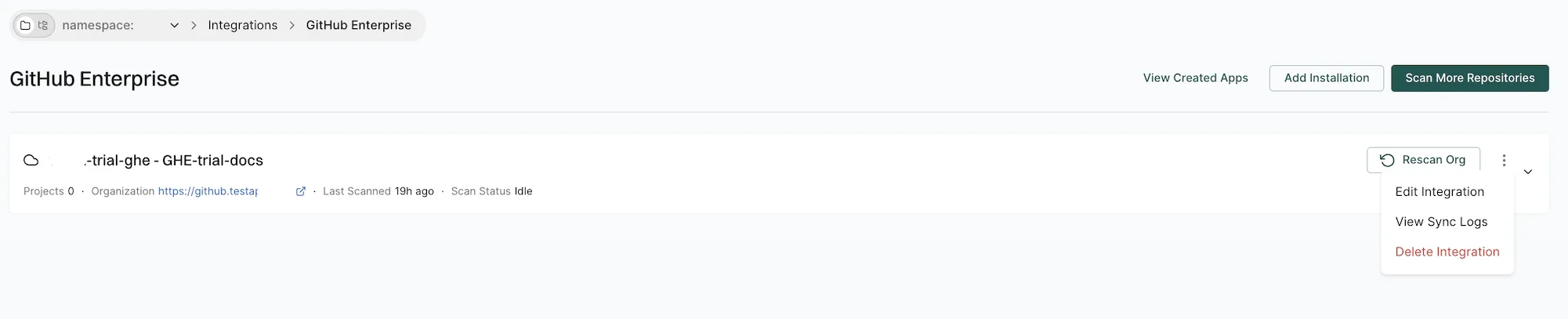
- Click the three vertical dots next to the integration. You can choose from the following options:
Edit GitHub Enterprise Server App integration
To edit the GitHub Enterprise Server App integration:- Click the three vertical dots next to the integration, and select Edit Integration.
- Update your personal access token and choose the scanners.
- Choose Pull Request Scans to set preferences for scanning pull requests submitted by users:
- Enable Automatic Pull Request Scanning to automatically scan PRs submitted by users.
- Enable Pull Request Comments to allow GitHub Actions to comment on PRs for policy violations.
- Set the Scanning Preferences to:
- Quick Scan for dependency resolution without reachability analysis. This provides rapid visibility into potential vulnerabilities for faster merges.
- Full Scan for dependency resolution, reachability analysis, and call graph generation for supported languages. This provides full visibility but may take longer to complete.
- Click Save. The changes are applied from the next scanning cycle.
Delete GitHub Enterprise Server App integration
To delete a GitHub Enterprise Server App integration, click the three vertical dots next to the integration, and select Delete Integration. Deleting the integration also deletes all child namespaces, projects, and references associated with the auto-generated root group namespace, as well as any manually created namespaces and projects under that namespace.Manage the Endor Labs GitHub Enterprise Server App
You can modify the app configuration or remove the app from your GitHub Enterprise Server instance.- Sign in to Endor Labs and select Integrations from the left sidebar.
- Click Manage next to GitHub Enterprise Server under Source Control Managers.
- Click View Created Apps.
-
Click the three vertical dots next to the app and select Edit to edit the app details or Delete to delete the app.
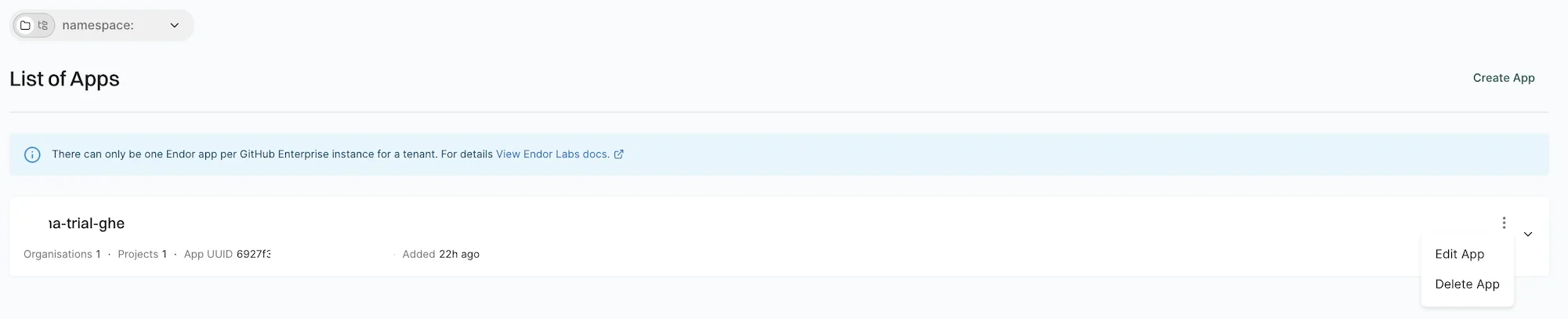
You cannot delete the app unless you uninstall it from all organizations where it is installed.