

How filters work
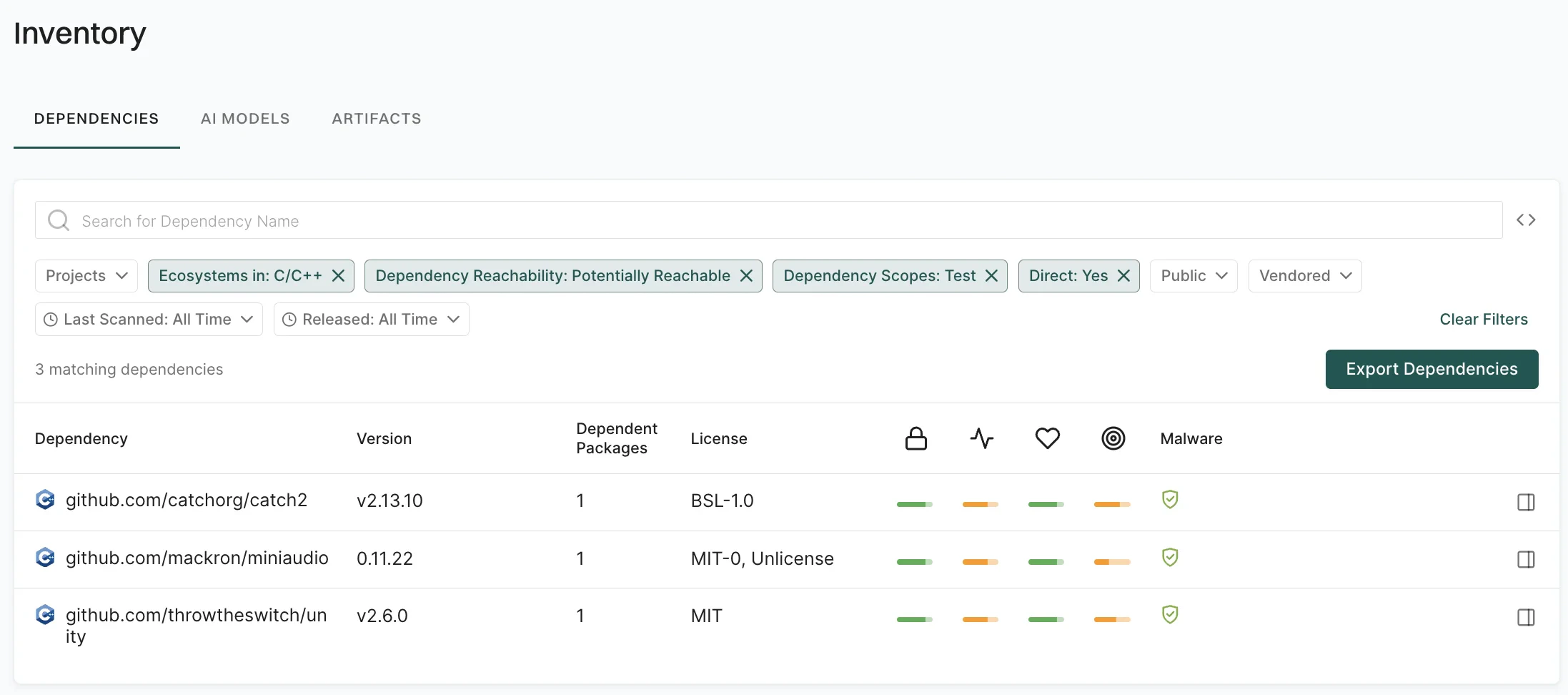
Each filter consists of three parts.- Key: The attribute to be filtered (for example,
Ecosystems,Dependency Reachability, andDirect). - Operator: The comparison logic (for example,
equals,in, andgreater than). - Value: The target value to evaluate (for example,
MavenandYes).
- Filter 1:
Ecosystems in: npm - Filter 2:
Dependency Reachability: Potentially Reachable - Filter 3:
Direct: Yes - Filter 4:
Dependency Scopes: Normal
Filter implementation techniques
You can use the following filter types to manage your dependencies effectively.- Preset filters: Use the filter bar in the Endor Labs user interface to quickly segment dependencies by common attributes.
- Filter dependencies using API: Use the REST API or endorctl for complex queries and logical combinations.
Preset filters
The following examples demonstrate how to apply preset filters for common dependency scenarios.Filter dependencies by project
Use the Projects filter to show only dependencies used by one or more selected projects. You can search by project name or tags, and click Add Filter. For example, to view only dependencies used by a specific application, search by project name or tags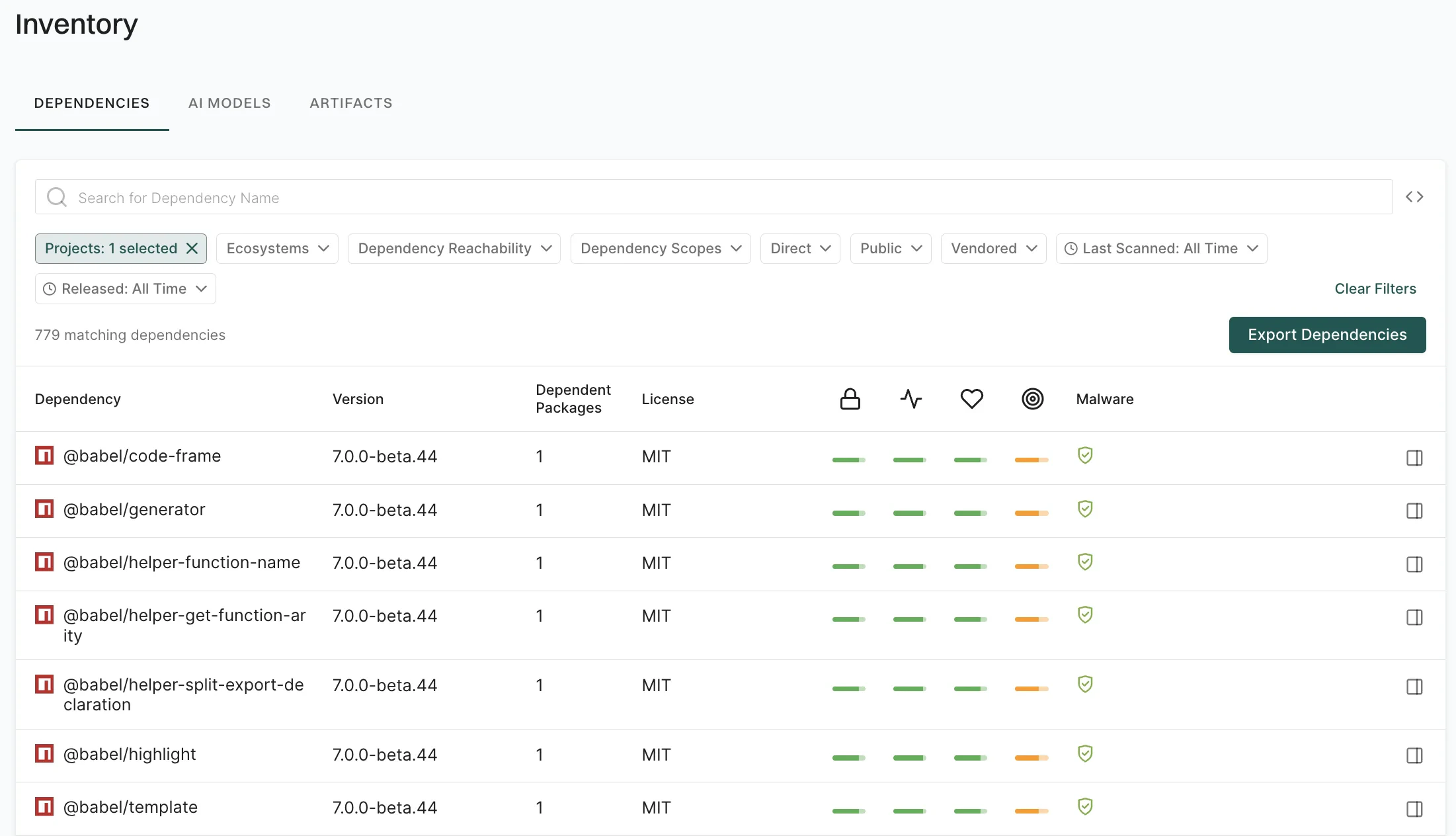
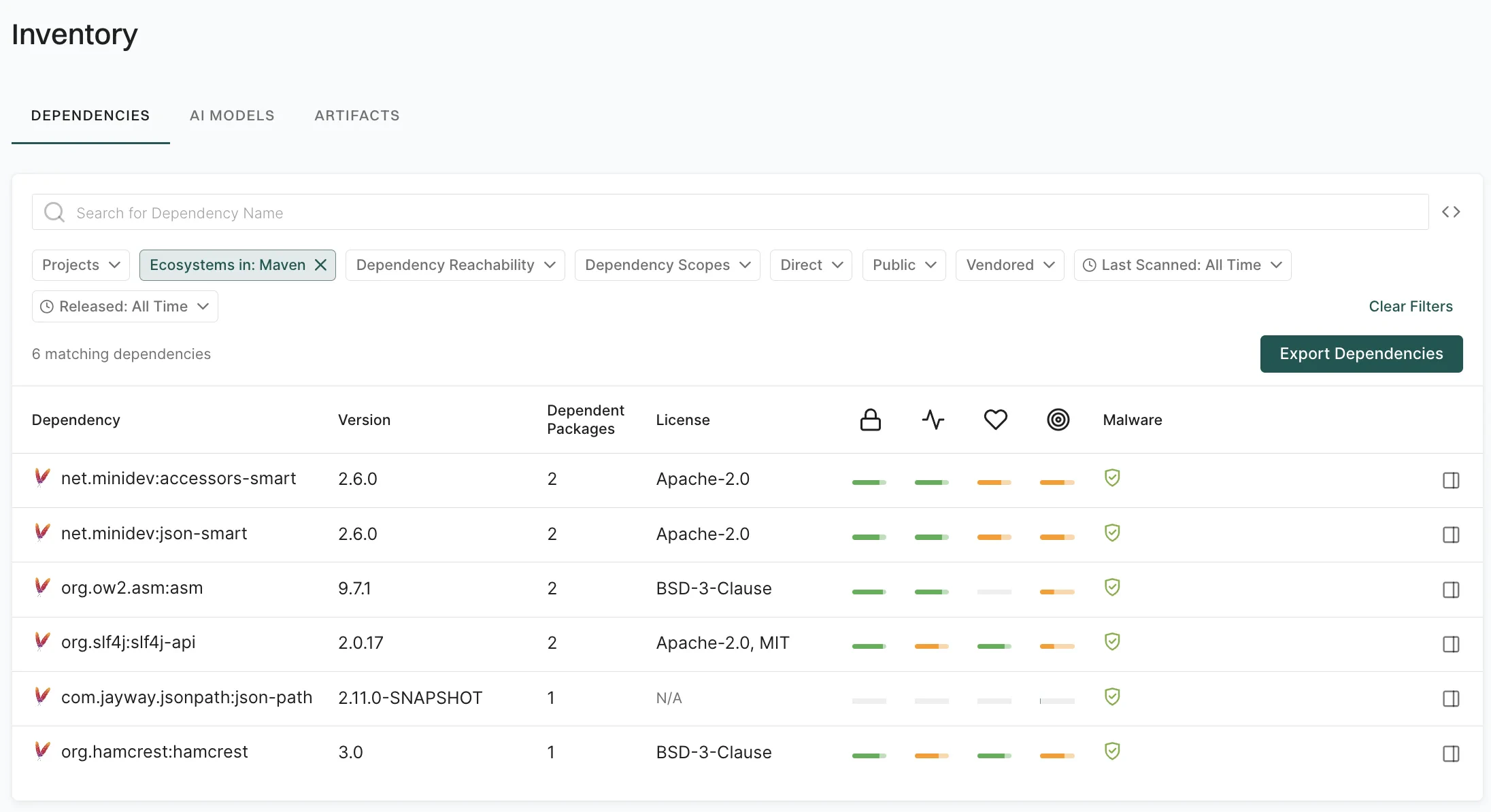
Filter dependencies by ecosystem
Use the Ecosystems filter to segment dependencies by package manager or language for targeted security policies, license compliance, or ecosystem-specific upgrade campaigns. For example, to focus on Maven dependencies for a Java security assessment, use theEcosystems in: Maven filter.
Filter dependencies by reachability
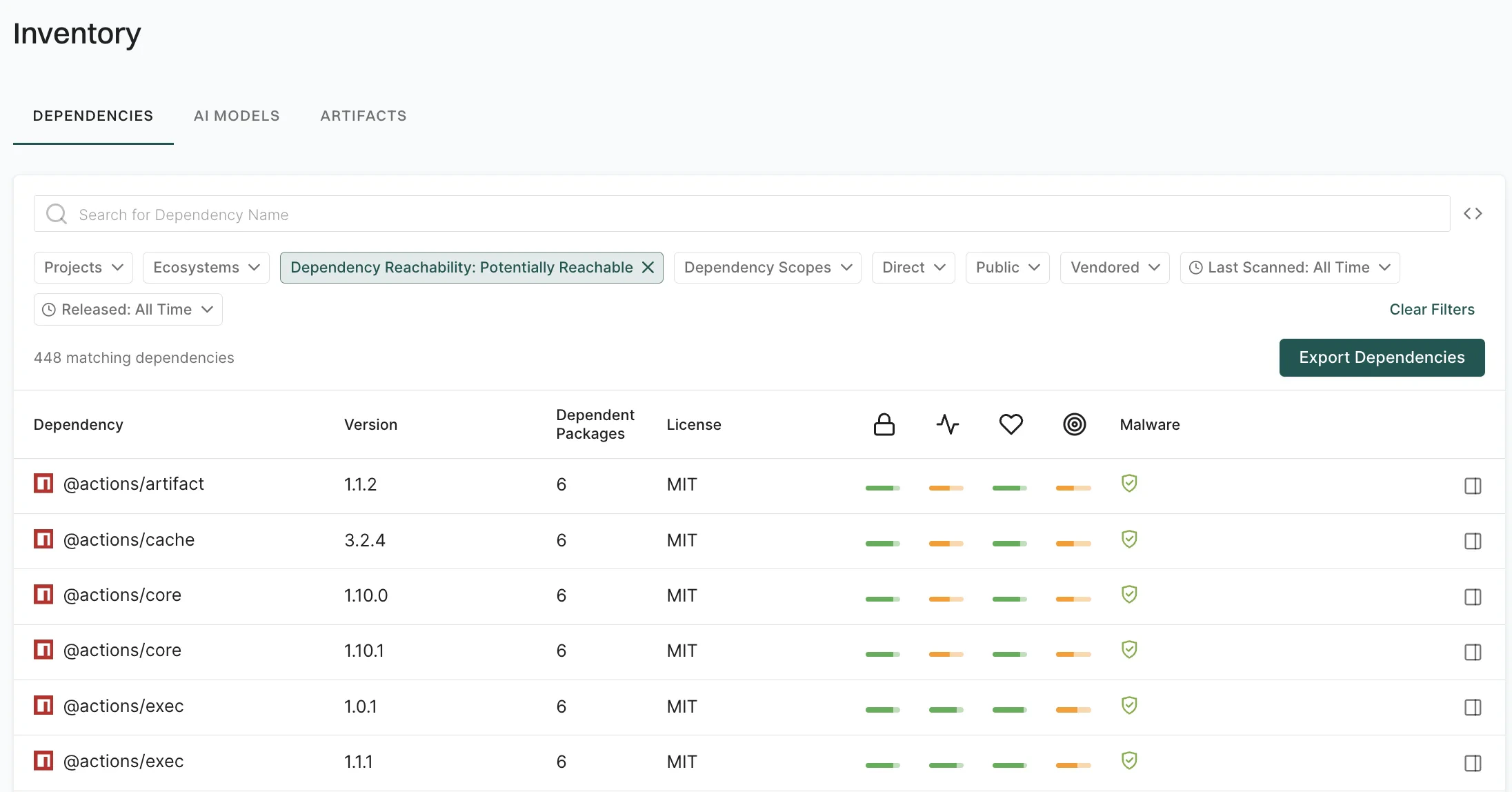
Use the Dependency Reachability filter to focus on dependencies that are reachable from your application code. Reachable dependencies are the ones that execute at runtime and increase your exposure to vulnerabilities. You can filter by Reachable, Potentially Reachable, or Unreachable dependency. For example, to prioritize remediation of dependencies that may be used at runtime, use theDependency Reachability: Potentially Reachable filter.
Filter dependencies by scope
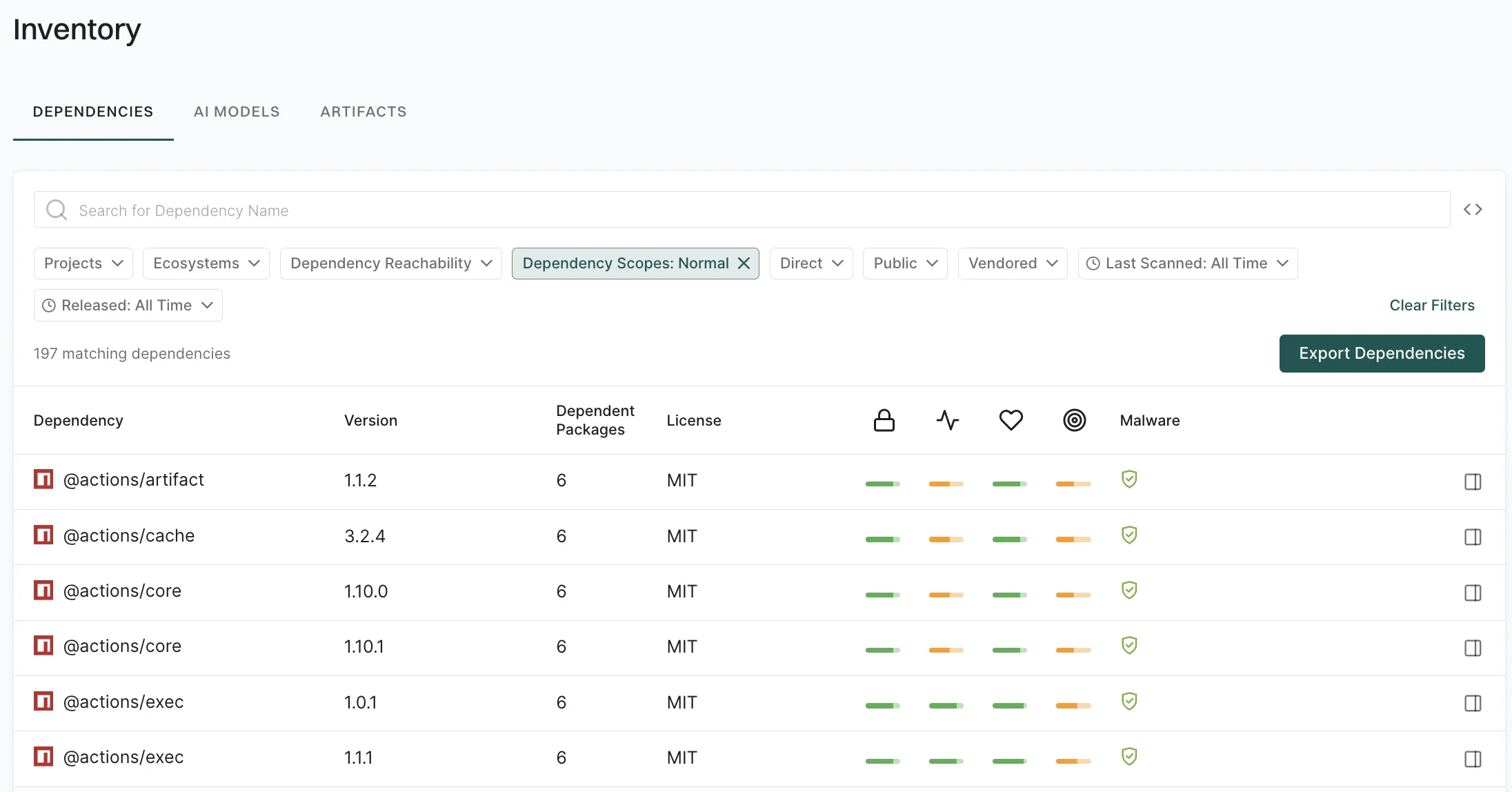
Use the Dependency Scopes filter to separate production dependencies from those used only for testing or build-time tasks, so that you can target the right ones for policies and reports. You can filter by:- Normal: Production dependencies consumed by the application at run time.
- Test: Dependencies used only in test scope, such as test frameworks and test-only libraries.
- Build: Dependencies used only at build or development time, such as compilers, build tools, or dev-only tools.
Dependency Scopes: Normal filter.
Filter dependencies by declaration
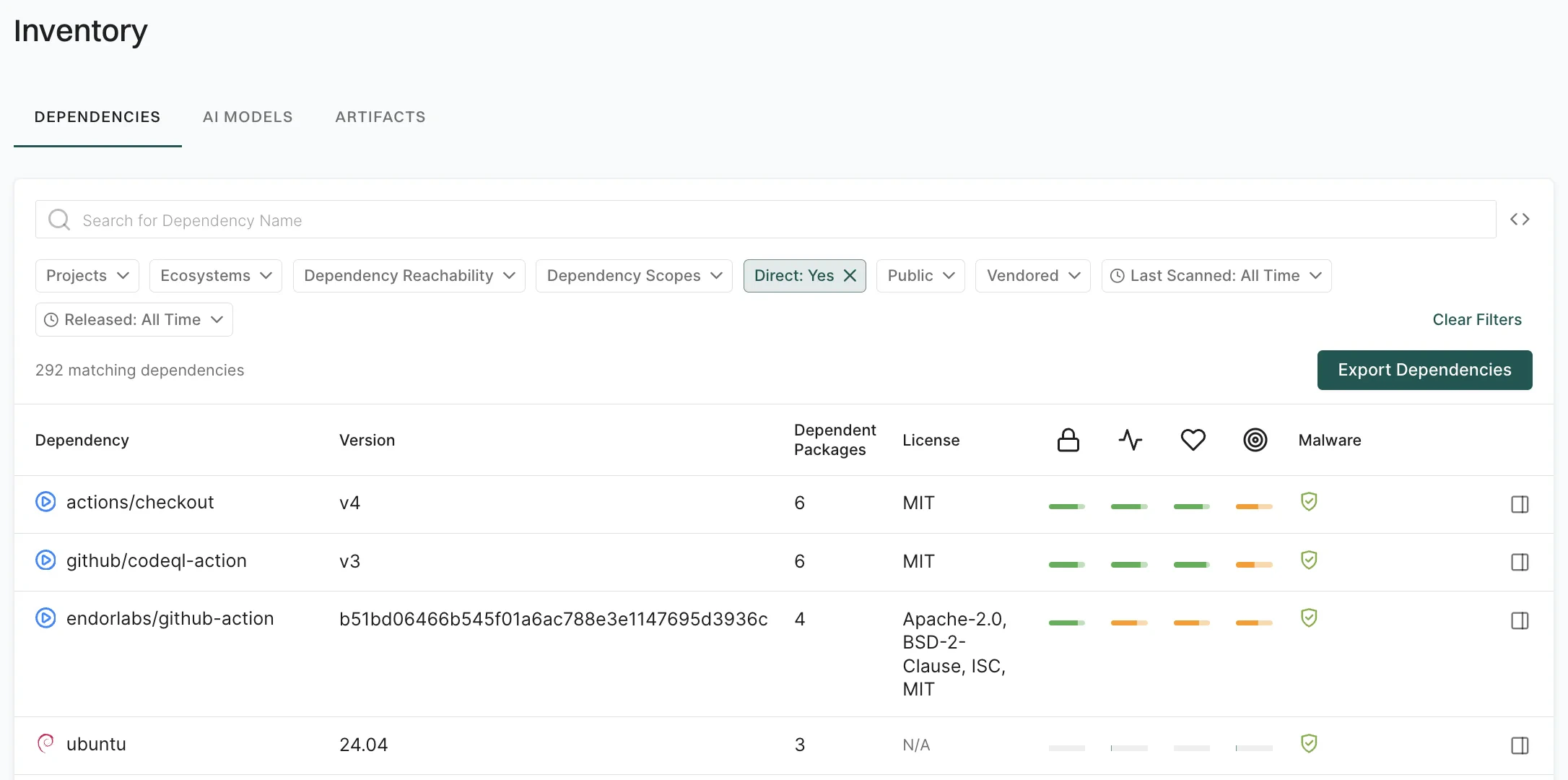
Use the Direct filter to distinguish between dependencies you declare explicitly in your manifests and those pulled in transitively. For example, to view only direct dependencies, use theDirect: Yes filter.
Filter dependencies by public
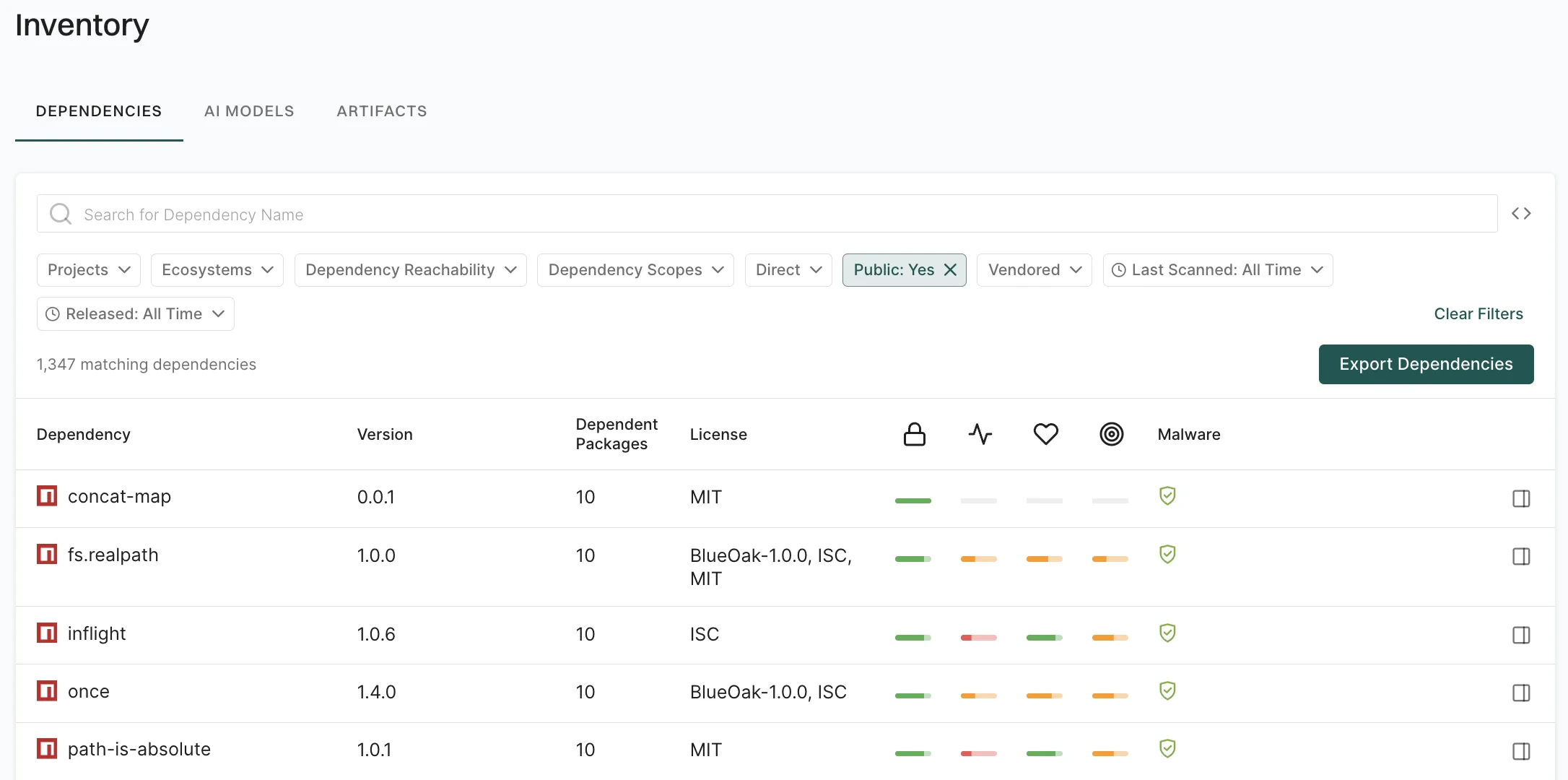
Use the Public filter to restrict results based on whether a dependency is resolved from a public package registry, such as npm, Maven Central, or PyPI, or from a private or internal source. For example, to view only dependencies from public package sources, use thePublic: Yes filter.
Filter dependencies by vendored
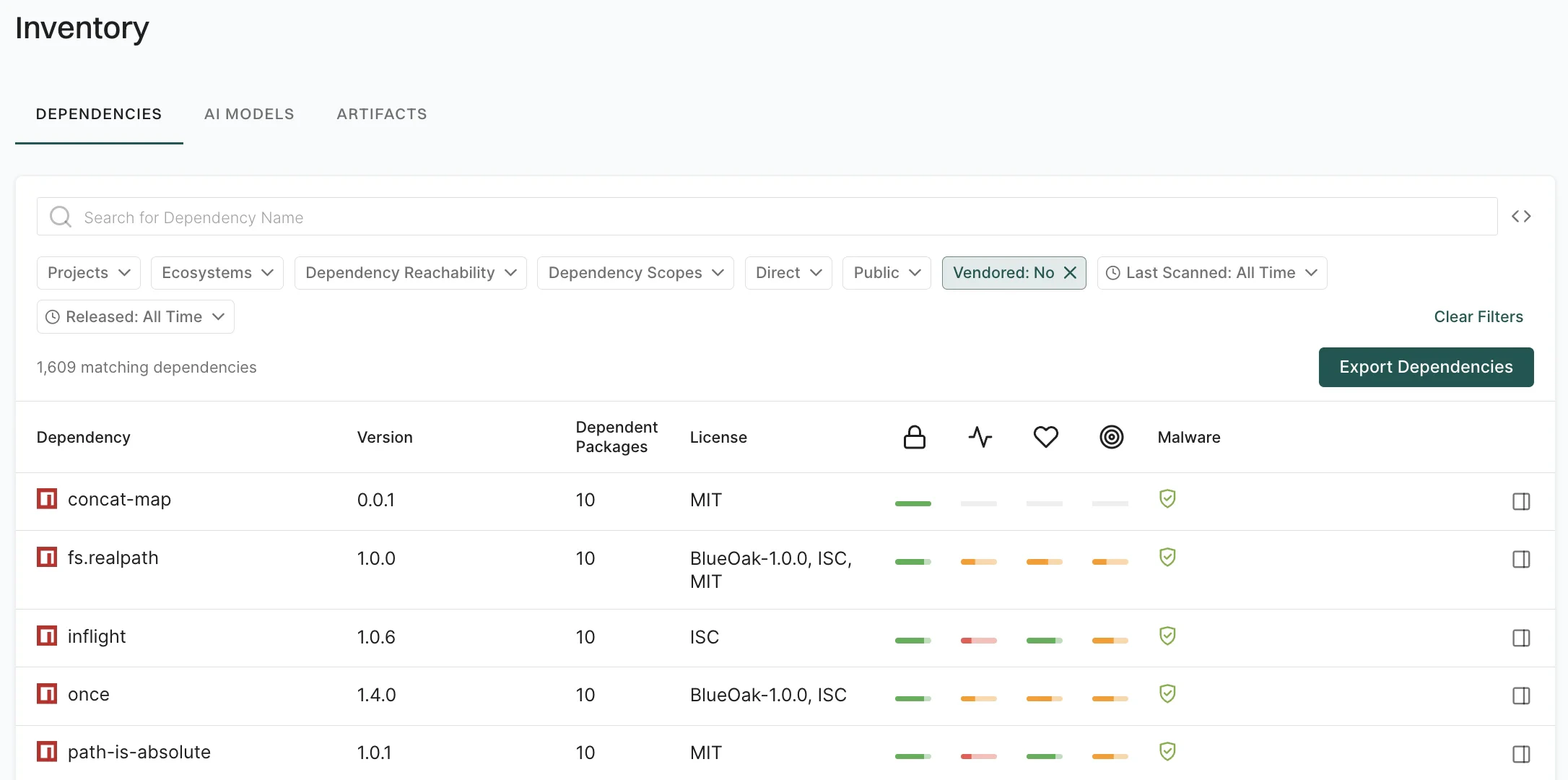
Use the Vendored filter to scope results by whether dependency artifacts are embedded in your repository, such as version-controlled source or shaded JARs, rather than resolved from a package registry. For example, to exclude vendored artifacts from a license review, use theVendored: No filter.
Filter dependencies by scan timestamp
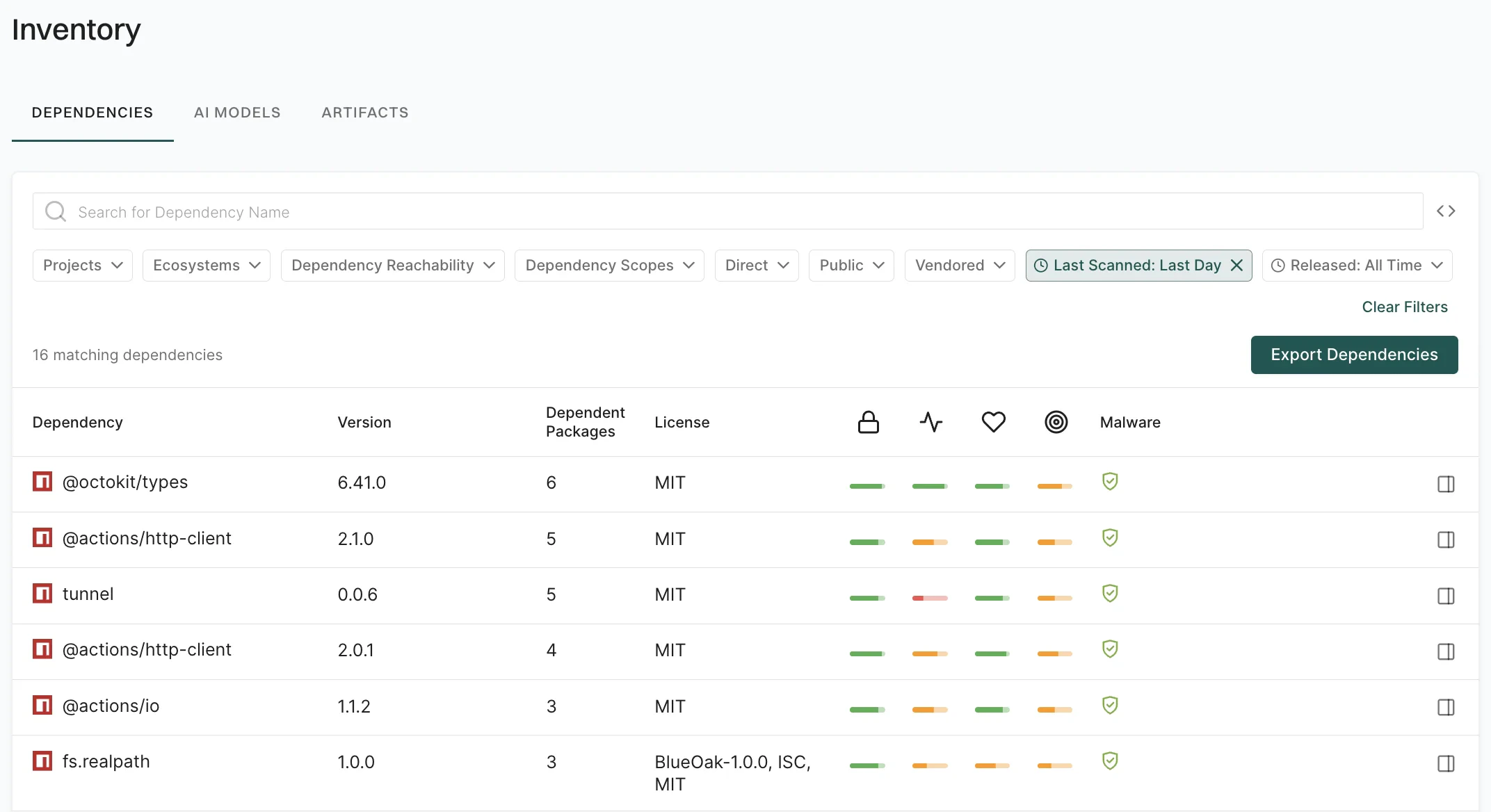
Use the Last Scanned filter to identify dependencies with stale security data that require fresh scans for current security posture. You can select from predefined time ranges or use the calendar to select a specific date. For example, to identify dependencies scanned within the last 24 hours, use theLast Scanned: Last Day filter.
Filter dependencies by release date
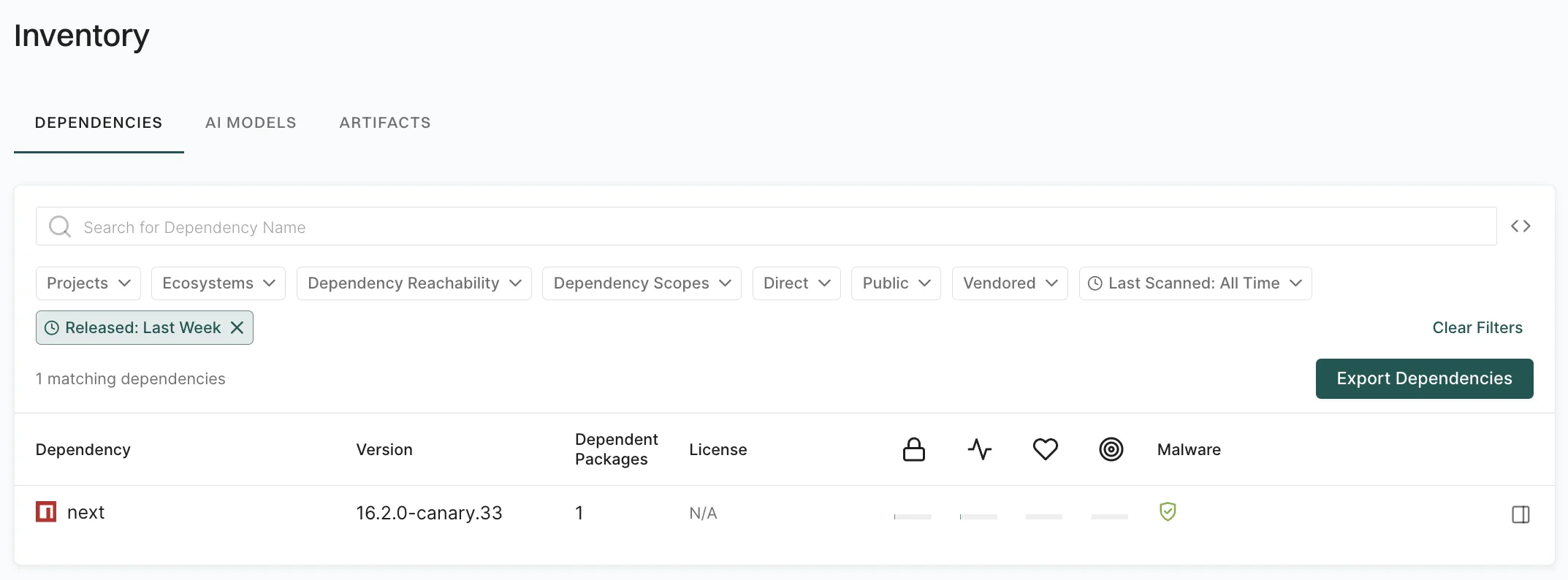
Use the Released filter to focus on recently released dependency versions for upgrade planning or to track new releases. You can select from predefined time ranges or use the calendar to select a specific date. For example, to find dependencies released in the last week, use theReleased: Last Week filter.
Filter dependencies using API
For complex queries, use the advanced filter syntax to combine multiple attributes and apply logical operators. The following table lists the available attributes for dependency filters.API filter use cases
The following examples demonstrate how to combine these attributes for common security and compliance workflows.Identify direct dependencies in a project
Identify direct dependencies in a project
List only direct dependencies for a given project.
Find direct and reachable dependencies of a package version
Find direct and reachable dependencies of a package version
Focus on direct dependencies of a root package version that are also reachable, for prioritization.
Identify end-of-life dependencies in the namespace
Identify end-of-life dependencies in the namespace
Find dependencies that are end-of-life across the namespace for upgrade or replacement planning.
Find reachable npm dependencies in the namespace
Find reachable npm dependencies in the namespace
Limit to npm dependencies that are reachable from application code, across the namespace.
Find non-vendored and public dependencies
Find non-vendored and public dependencies
Find all public and non-vendored dependencies across the namespace for license or supply-chain review.
Identify all patched dependencies in the namespace
Identify all patched dependencies in the namespace
Query across the namespace for dependencies that have a patch, without scoping by project.