- Open the pull request where the scan failed.
- Click on the three vertical dots and select View Details from the Endor Labs Automated Scan to view the scan report.
View PR scan findings
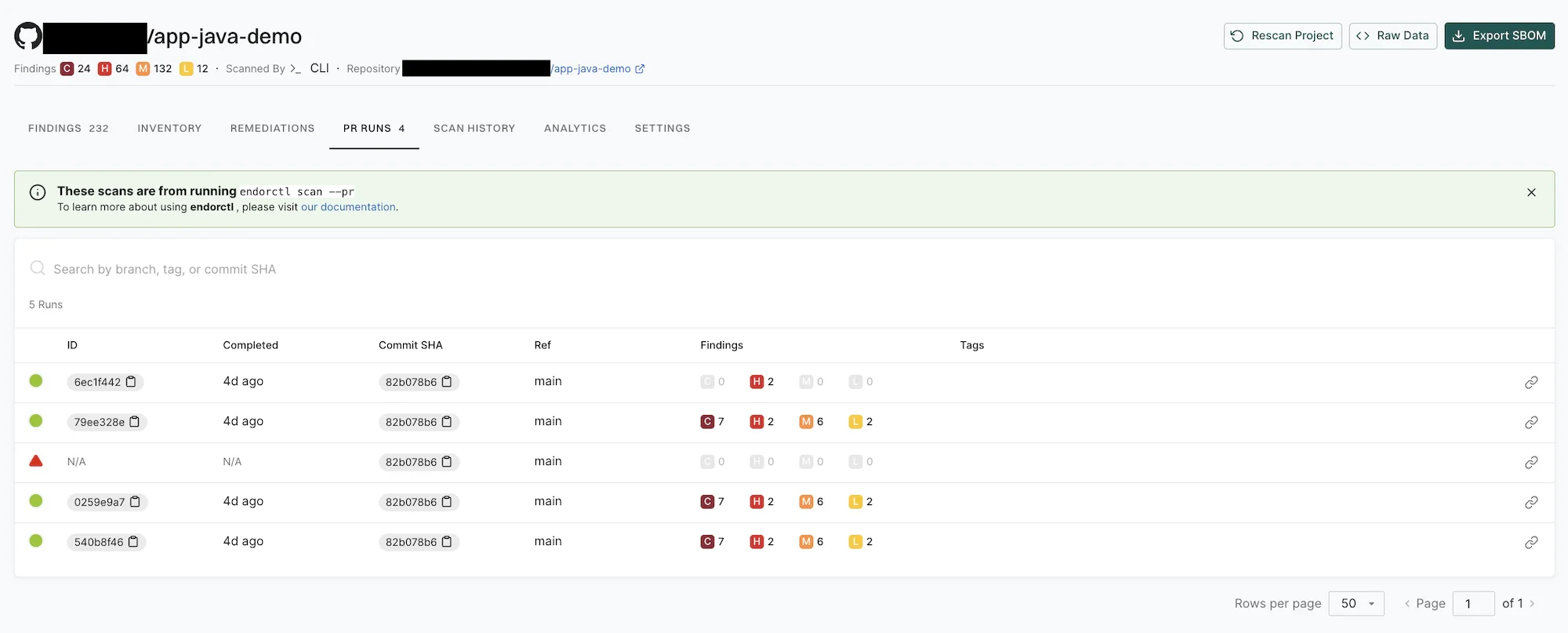
To view the PR scan findings:- Sign in to Endor Labs.
- Select Projects from the left sidebar.
- Search for and select the project.
- Select PR runs to view the PR scan findings.