

- View detected AI models: Select Inventory > AI Models from the left sidebar to see AI models discovered in your namespace.
-
Search AI models from Hugging Face: Select Discover > AI Models from the left sidebar to search and evaluate models.
-
Type in the search bar and click Search AI Models.
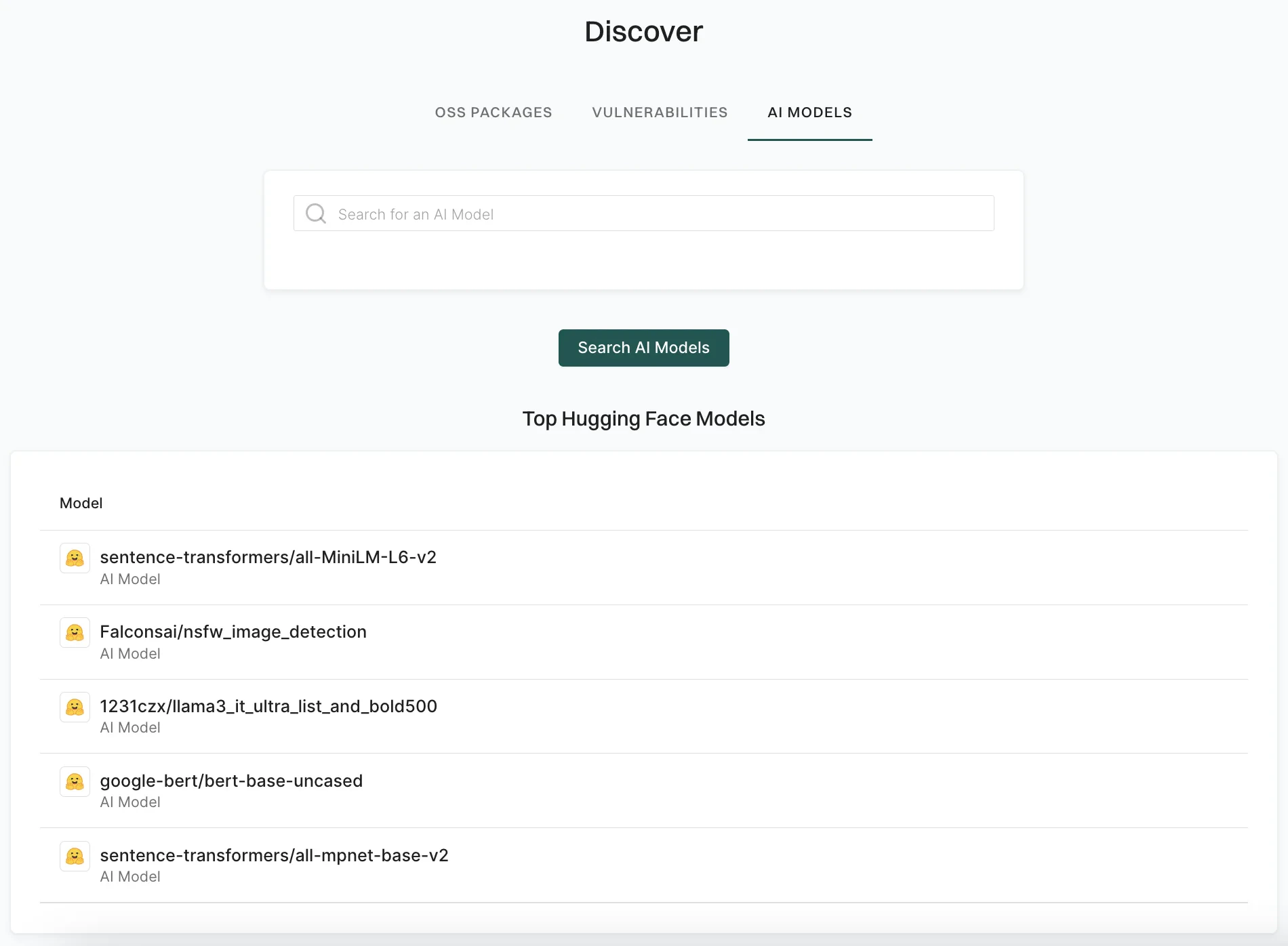
-
Select a result to view details such as security, activity, popularity, and quality score.
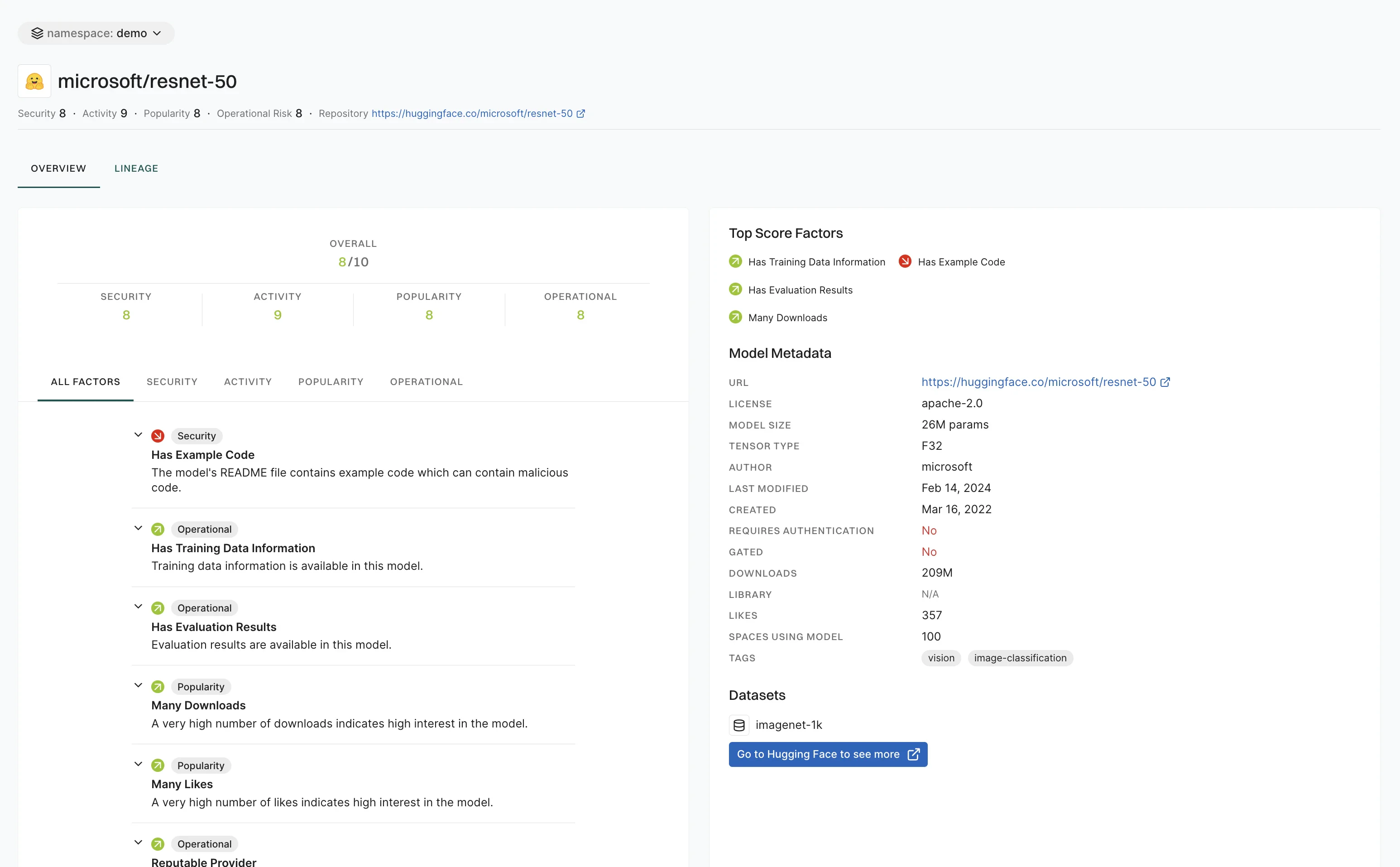
- Click Go to Hugging Face to see more to open the model on the Hugging Face website.
-
Type in the search bar and click Search AI Models.
AI Model Discovery
AI Model Discovery
Discover and evaluate AI models with comprehensive scoring for security and quality.
An AI model is a computational system designed to simulate human intelligence by performing tasks such as recognizing patterns, making decisions, predicting outcomes, or generating content. Many open source AI models are freely available for use, modification, and distribution. Just like dependencies, these AI models can bring operational and security risks in the organization that uses them. Gaining visibility into these risks can minimize the vulnerabilities introduced by them.
Endor Labs picks the top ten thousand open source AI models available on Hugging Face and assigns Endor scores to them, so that you can make informed decisions before using them in your organization. See AI Model scores for more information.
You can search for AI models in the following ways: