

- Access private Gradle artifacts during dependency resolution
- Generate comprehensive security analysis including private dependencies
- Maintain complete visibility into your software supply chain
- Use package manager integrations to simplify scanning when authentication to private repositories is not part of standard manifest or settings files.
- Package manager integrations allow you to set custom repositories for each package ecosystem and the priority of each repository for scanning.
- Sign in to Endor Labs and select Integrations from the left sidebar.
- Click Manage in the package manager configuration you want to customize.
- Select Add Package Manager.
- Enter the name of the package manager.
- Select either Basic or AWS Code Artifactory as Authentication Type. See AWS authentication for more information.
Authenticate to Gradle private package repositories
To connect to private Gradle repositories, enter the package registry credentials such as property key and property value.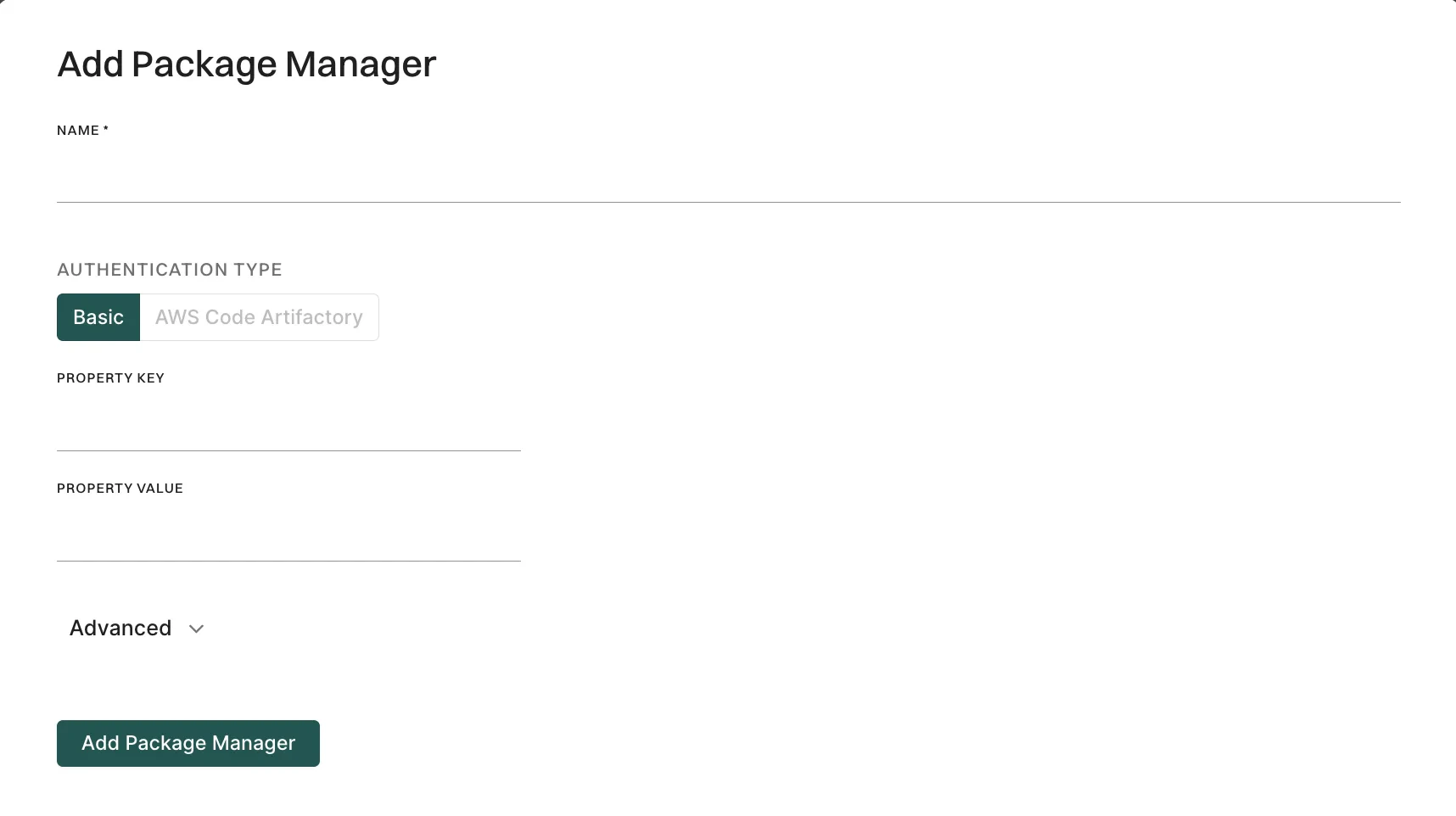
- Select Integrations from the left sidebar.
- Click Manage in the package manager configuration you want to customize.
- Click the vertical three dots of the package manager configured and select Test Connection.
The integration does not perform authentication or authorization checks on the package manager repository.
Private package manager integration for Gradle using API
Configure private package manager integration with Gradle to authenticate and fetch dependencies from private repositories during scans. Gradle requires valid credentials, such as AWS access keys and GitHub or GitLab tokens, to access private repositories and fetch dependencies. Provide these credentials through the endorctl API call for GitHub App scans to run successfully. The variable names you define (likemavenAccessKey, mavenSecretKey) must exactly match the property names used inside your build.gradle file when configuring credentials. For more information on how to align variable names with your build configuration, refer to Declaring private repositories.
You can configure these credentials for the scans performed through the GitHub App.
Set Gradle credentials
Use endorctl to configure your repository credentials. You can set the necessary Gradle properties, allowing access to private repositories during the Gradle build process. For example, to authenticate with an AWS S3-backed Maven repository, run the following commands to set themavenAccessKey and mavenSecretKey properties. Replace namespace with your namespace.
Considerations
When configuring Gradle credentials, consider the following scenarios:AWS credentials with scan profile
If a scan profile is linked to your project, AWS credentials are directly written into~/.gradle/gradle.properties and require exact key matches. You can use one of the following combinations:
AWS_ACCESS_KEYandAWS_SECRET_KEYAWS_ACCESS_KEY_IDandAWS_SECRET_ACCESS_KEY