

endorctl init allows you to quickly authenticate your client to Endor Labs using an external identity provider.
Supported authentication providers for endorctl init are:
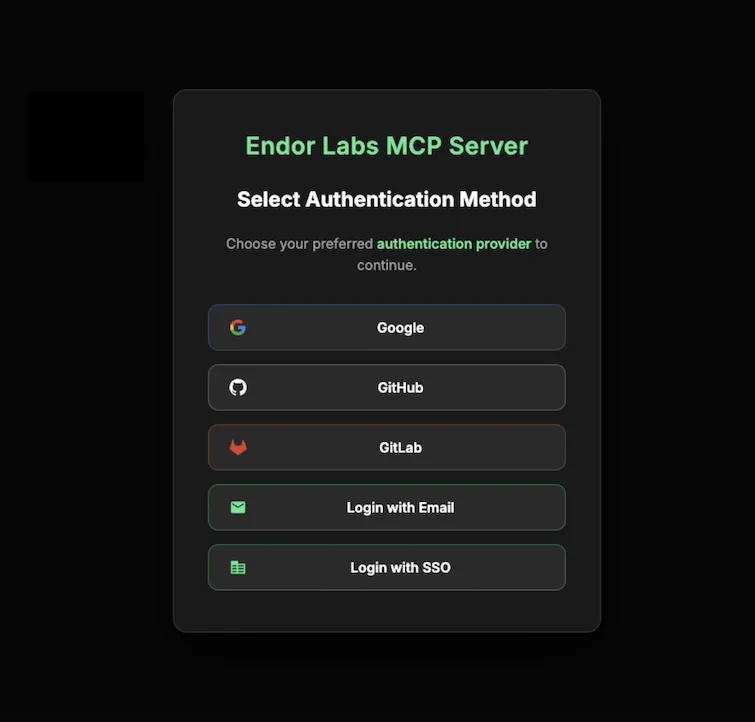
google- Used to create an API key and API key secret when you sign in with Google Workspaces as your external identity provider.github- Used to create an API key and API key secret when you sign in with GitHub Cloud as your external identity provider.gitlab- Used to create an API key and API key secret when you sign in with GitLab Cloud as your external identity provider.email- Used to create an API key and API key secret when you sign in with an email link.sso- Used to sign in with a Custom Enterprise Identity Provider, such as Okta.
Usage
Runendorctl init and your browser window will open automatically. Select your authentication provider from the available options and complete the authentication process.
- Google
- GitHub
- GitLab
- Email
- SSO
- Google
- GitHub
- GitLab
- Email
- SSO
Options
The following flags and environment variables are available for theendorctl init command.